
iOS App Store
Text to Speech & Text to Voice
Powerful Text to Speech (TTS) & Text to Voice Technology
Transform written text into realistic, expressive audio with advanced text to speech (TTS) and text to voice technology. Customize voices, accents, and output to create high-quality, natural sound in seconds.
Explore next-generation text to speech technology
Our text to speech (TTS) engine converts written words into lifelike voice output using cutting-edge AI models. Experience speech generation that captures tone, rhythm, and natural expression for authentic listening experiences.
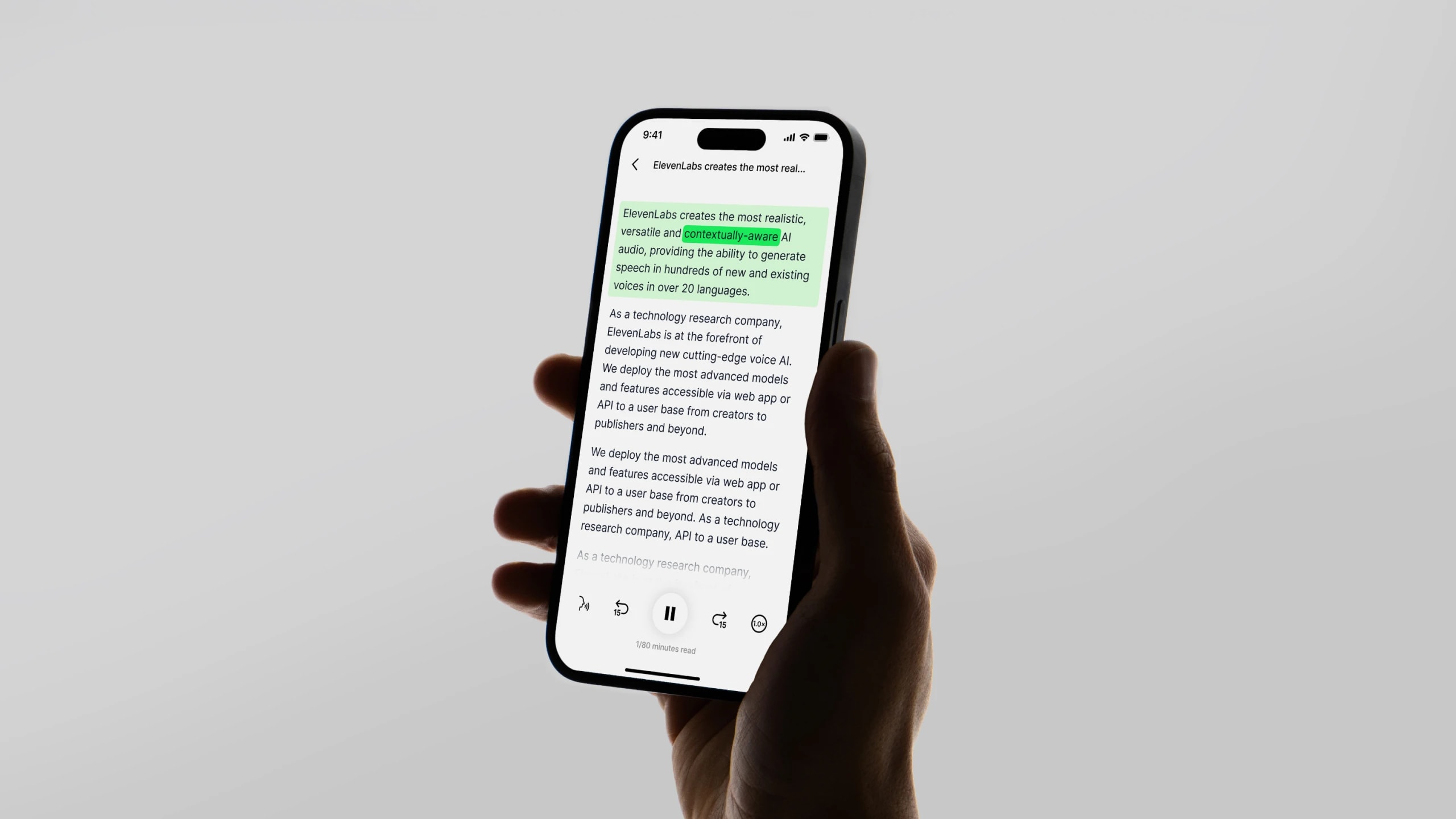
How text to voice technology works
TTS systems analyze text using deep learning to model pronunciation, intonation, and timing. This process turns static text into natural audio that sounds remarkably human, suitable for narration, accessibility, or creative projects.
Warm
British
Soft
American
Deep
American
Perceptive
British
George
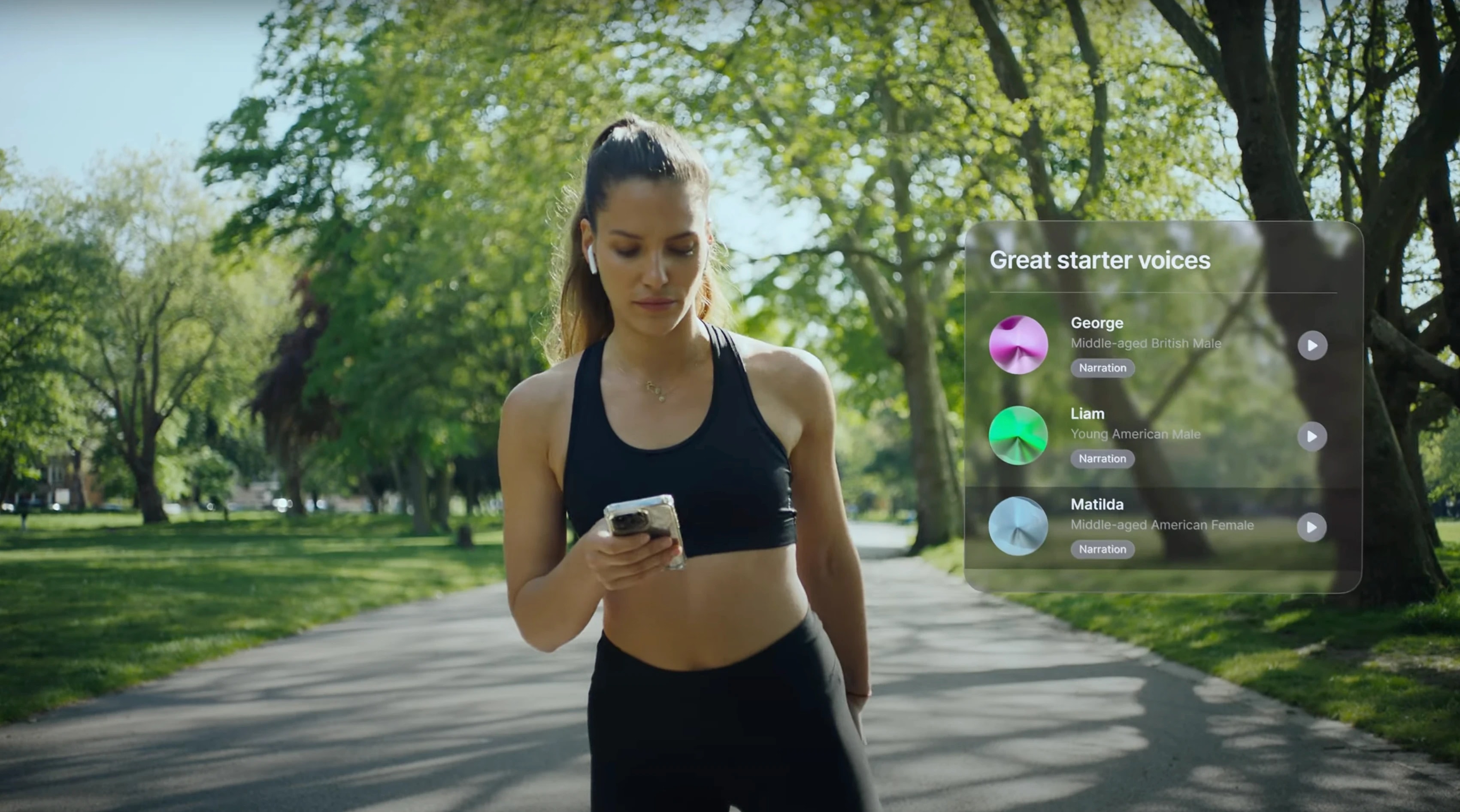
Customize your AI voice
Choose from dozens of accents, tones, and voice styles to match your project’s personality. Adjust speed, pitch, and emotion for truly personalized audio that fits your brand or storytelling style.
Warm
British
Soft
American
Deep
American
Perceptive
British
George
Convert text to audio files effortlessly
Generate downloadable audio files in formats like MP3 or WAV from any text or document from ElevenLabs Studio. Perfect for creating voiceovers, podcasts, audiobooks, or accessible media at scale — all in seconds.
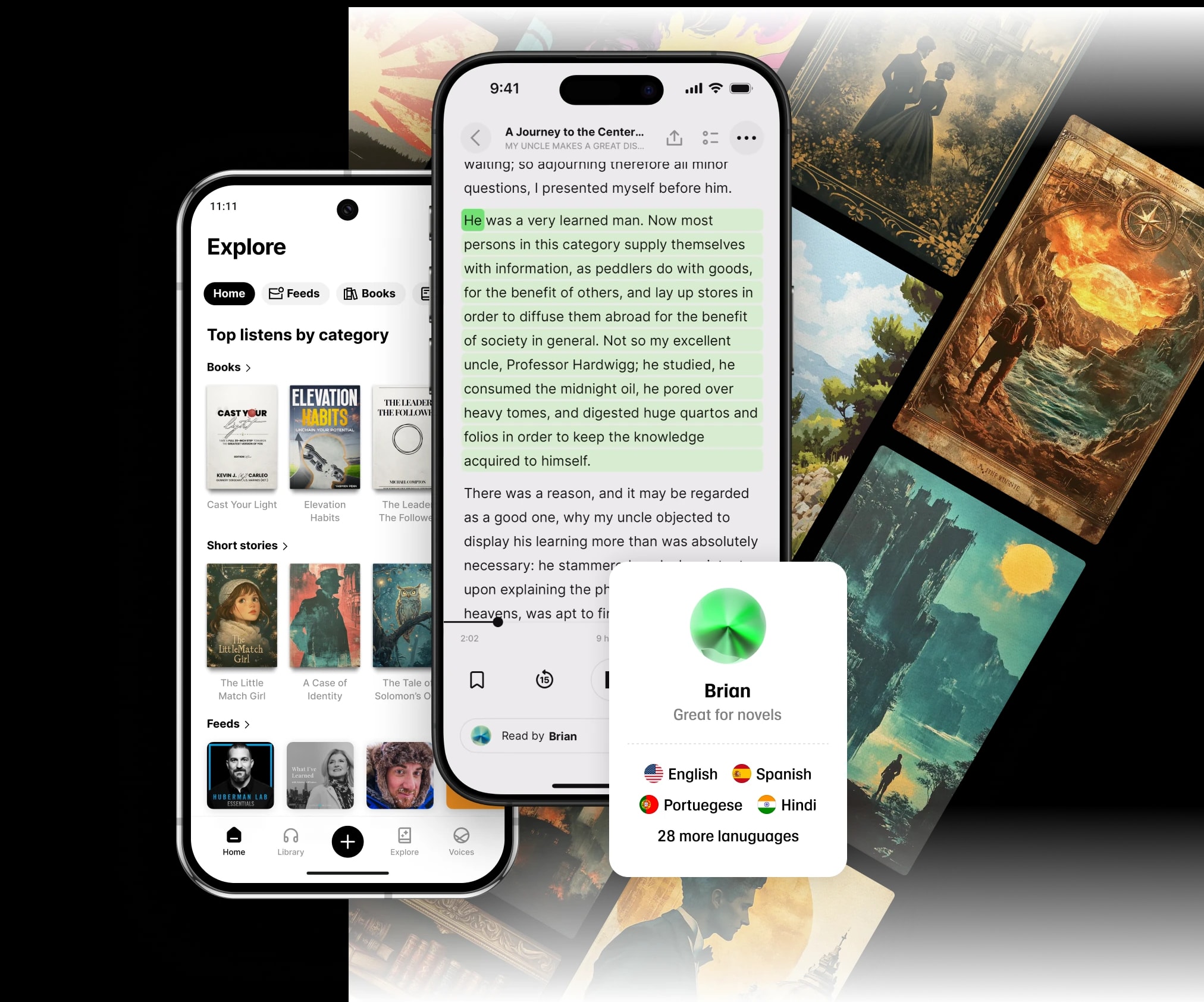
Try the most advanced text to speech tool
Start converting text to voice for free and explore professional-grade results instantly. No setup required — just type, paste, or upload your text and listen to natural AI speech in seconds — available on web, iOS and Android.
Frequently asked questions
What is text to speech (TTS)?
Text to speech (TTS) is a technology that converts written text into spoken audio using AI-based voice synthesis. It’s used in accessibility tools, voice assistants, content creation, and more.
How does text to voice technology work?
TTS systems use deep neural networks to analyze words, predict pronunciation, and generate lifelike audio. The result is natural-sounding speech that captures rhythm, tone, and emphasis — just like a human voice.
Can I download audio generated from text?
Yes — you can export your generated speech as high-quality MP3 or WAV files. This makes it easy to create podcasts, audiobooks, or other voice-based media directly from written content.
What customization options are available?
You can filter to change the speaker’s gender, accent, pitch, speed, and emotional tone. Advanced users can even fine-tune pronunciation or pacing to achieve precise voice control.
Is text to speech the same as text to voice?
Essentially yes — both describe the same process of converting text into audio. “Text to speech” refers to the technology, while “text to voice” emphasizes the output: a natural-sounding voice.
Is there a free version of the text to speech tool?
Yes, you can start using the tool for free with core features. Upgrading to premium unlocks higher-quality voices, more expert options, and greater control over voice customization.
Google Play Store